CHARACTER
ENGINE 01- DRIVETilted harmonic saturation
- SWEETENGlue compression and warm density
- FUZZStarved, high-gain clipping
- HOWLResonant feedback distortion
- SWELLVolume swells triggered by each note
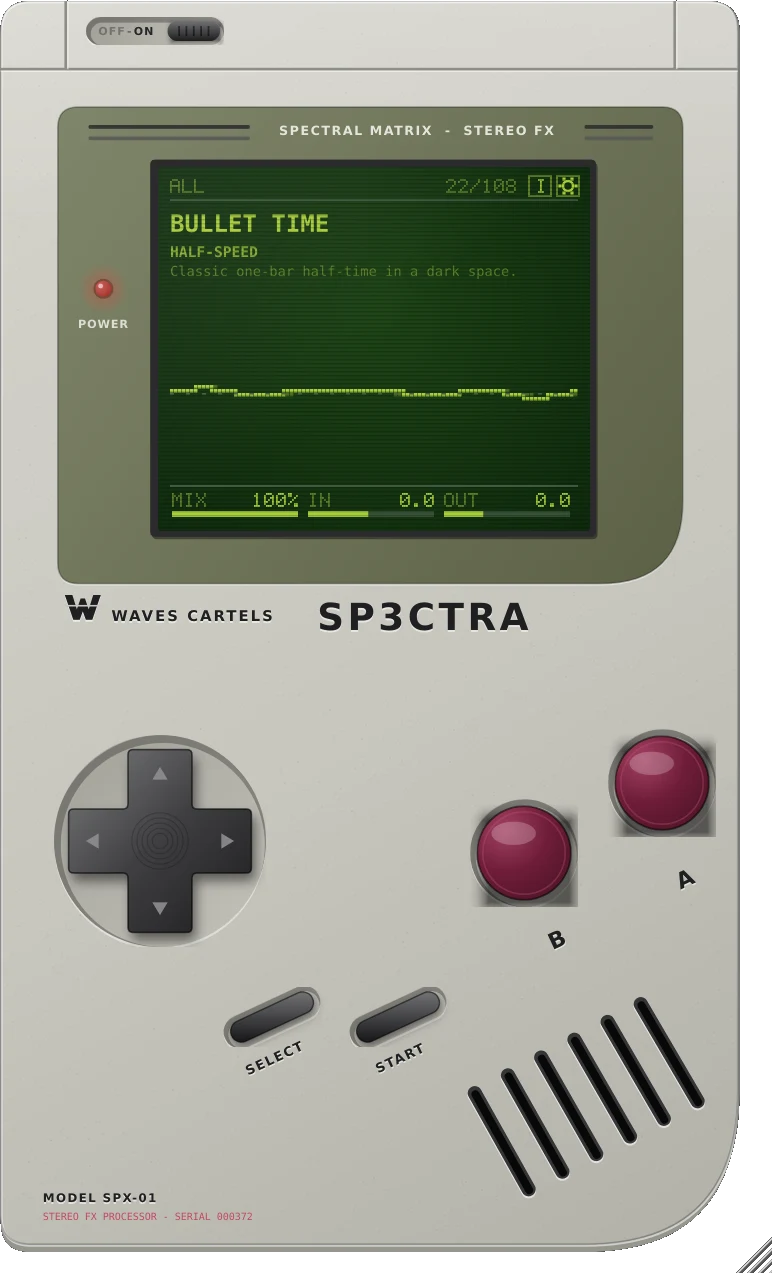
A creative effects console built into a handheld. Four engines with twenty algorithms, a granular cloud and a half-time machine, all in one plugin. Every switch is click-free, so you can play it like an instrument.
One boring melody, three presets. Pick a preset, hit play, and flip the switch to hear your melody dry or through SP3CTRA.
Audio runs through four swappable effect engines, then the GRAIN cloud and TIME LAB. Turn any stage on or off, and drag the four engines into any of 24 orders.
A safety limiter guards the output, and a global mix blends the whole console against your dry signal.
TIME LAB records your track and plays each musical segment back slower or faster, locked to your DAW's tempo. Drop a beat to half-time, stretch a vocal into a slow-motion tail, or double the speed for a build.
TAPE changes speed and pitch together, like slowing a turntable. STRETCH keeps the pitch and changes only the timing.
Press FREEZE and the grain buffer stops recording. Whatever it holds keeps playing as an endless cloud while the track moves on.
GRAIN chops the signal into tiny overlapping pieces and scatters them across time, pitch and the stereo field. Use it for octave-up shimmer, sub-octave beds, reversed sparkle or a glitchy spray of hits.
Press START and the handheld opens into a full console. Each engine has a main pair of knobs and a second layer for deeper control. A gesture recorder loops your knob moves, and CAPTURE grabs a bar of audio before or after the effects.

The slider at the top bypasses the whole plugin with a short fade. It is the same control as your DAW's bypass.
Left and right flip through presets. Up and down pick which bank you browse.
Shows the live signal chain of the loaded preset.
Cycles the animated screens: wave, spectrum, warp tunnel and skyline.
Opens the preset library to search, favourite, save, import and export.
Opens the full console with every engine and control.
Drag MIX, IN or OUT on the bottom of the screen. Double-click to reset.
The gear opens settings and skins. The [i] opens the annotated design sheet.
Two games are hidden in the handheld. See the codes.
Waiting on a bounce? The handheld has two hidden games. Open SP3CTRA on any track and type the code on the D-pad and buttons (or your arrow keys), with no more than a second and a half between presses.
D-pad / arrows: move · A / space: pause · Esc: back to your presets · audio keeps running
When audio plays, the LCD animates. Press B to switch between four screens. Try it here with a demo signal.
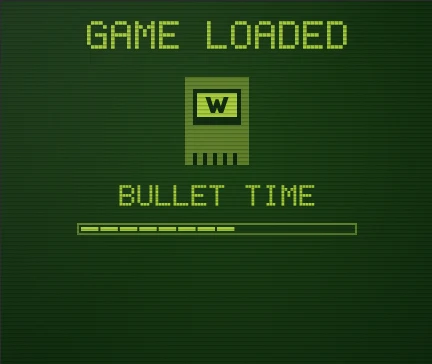
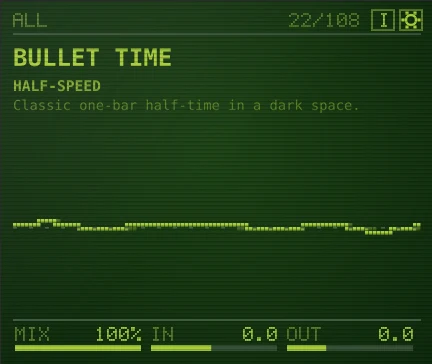
Every preset is a cartridge. Load one and the screen shows GAME LOADED with its name. All factory presets are level-matched, so switching never jumps in volume.
Change the skin from the settings screen and the whole plugin repaints, LCD included. Tap one below to try it on this page.
The sounds in SP3CTRA usually take a stack of separate plugins. Here's what that stack costs at typical list price.
Typical list prices in USD as of November 2026; those plugins often go on sale. Product names belong to their owners, and SP3CTRA is not affiliated with them. Each one goes deeper in its own lane; SP3CTRA puts the moves producers reach for most in one plugin.
Download buttons for Mac and Windows appear the moment PayPal confirms your payment. Save the order ID shown there. Lost the files? Go to sp3ctra.store/#download and enter your order ID, or the transaction ID on your PayPal receipt.
Unzip the download, right-click Install SP3CTRA.command and choose Open. Then rescan plugins in your DAW. Manual install: copy SP3CTRA.vst3 to ~/Library/Audio/Plug-Ins/VST3.
Unzip the whole folder, double-click Install SP3CTRA.bat and click Yes. If SmartScreen warns you, click More info, then Run anyway. Rescan plugins in your DAW. Manual install: copy SP3CTRA.vst3 to C:\Program Files\Common Files\VST3.
Any DAW that loads VST3: FL Studio, Ableton Live, Studio One, Cubase, Reaper, Bitwig and more. Logic Pro and GarageBand need AU, which is planned as a free update. Pro Tools (AAX) is not supported.
macOS 10.13 or later on Apple Silicon or Intel, or 64-bit Windows 10 or 11. Mono or stereo tracks, any sample rate.
Yes, for life. When a new version ships, download it again from the download page with your order ID. No subscription, ever.
Yes. One license covers you on all of your own computers, Mac and Windows. Don't resell or share the plugin files.
No. SP3CTRA is a digital download, so all sales are final. Listen to the before and after previews first so you know exactly what you are getting.
Enter the code on the handheld's D-pad and buttons: Up Up Down Down B A for Spectral Snake, Up Up Down Down A B for Cartel Breakout. More in the Arcade.
Click the gear on the screen, then use SKIN < > to switch between DMG Classic, Pocket Silver, Play It Loud Yellow, Atomic Purple and Teal Color.
| Updates | Free for life. Every future version is yours: come back to sp3ctra.store/#download with your order ID |
|---|---|
| Requirements | macOS 10.13+ (Apple Silicon or Intel) · Windows 10/11 64-bit |
| Formats | VST3 (macOS and Windows). AU for Logic is planned as a free update |
| macOS | Universal: Apple Silicon and Intel |
| Windows | 64-bit VST3 with a one-click installer and uninstaller |
| Channels | Mono or stereo in, stereo out |
| Sample rates | 44.1 kHz to 192 kHz |
| Latency | 0 samples |
| Engines | 4 engines × 5 algorithms, Grain, Time Lab, Gesture, Capture |
| Parameters | 80, all automatable |
| Presets | 108 factory, unlimited user presets, .sp3 sharing with cover art |
| Interface | Handheld and full console views, 5 skins, 60–200% scaling |
Black Friday price. Regular price $99.99 after the timer ends.
Buy now